The Weekend Trip That Came With Its Own App
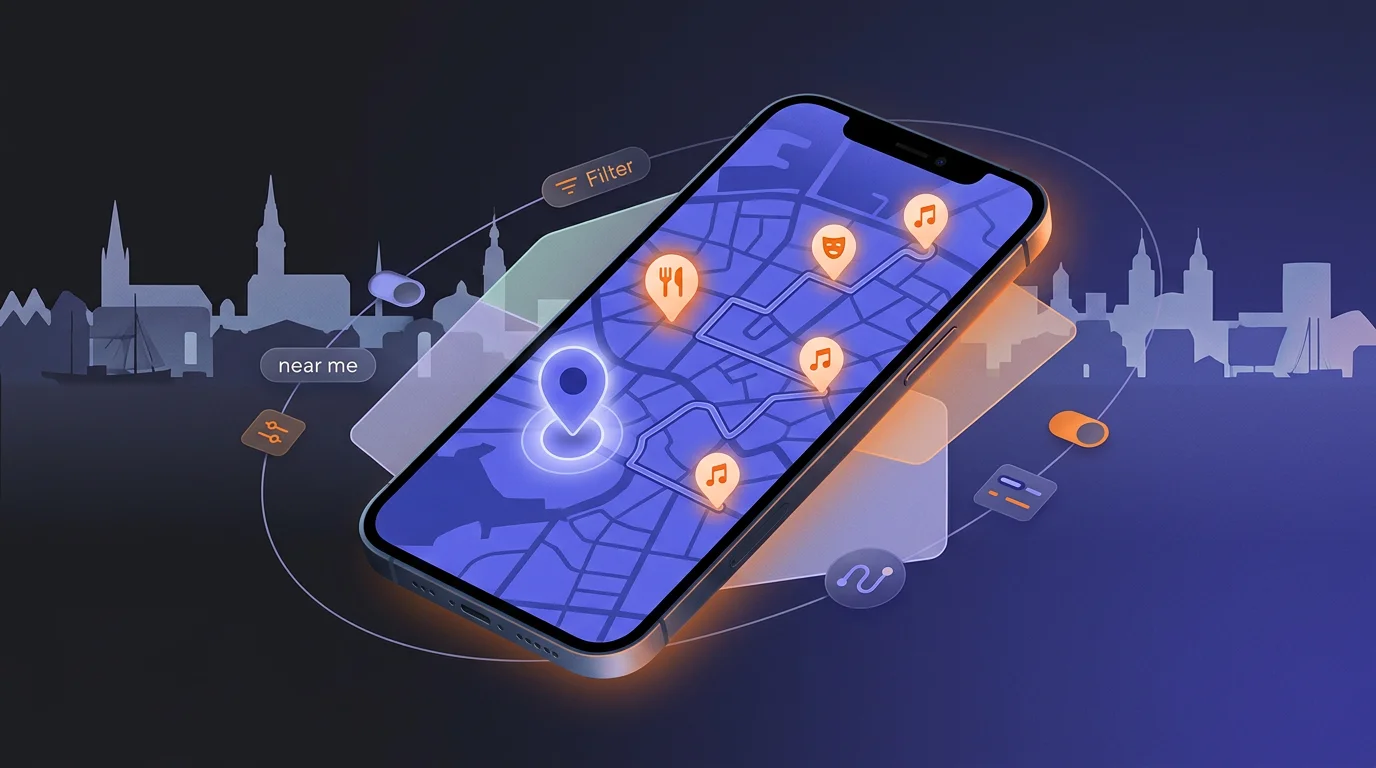
I gifted my wife a weekend in Hamburg and ended up building a custom mobile map app filled with our own data. Twenty minutes to the first version, a few iterations to make it actually work — and a clear view of where vibe coding stops being magic.
 Fabian Mösli
 Reading Preferences
Key Takeaways
- • You don't need to be a developer anymore to build a custom tool. I got a working, mobile-first web app out of a plain-text prompt in under twenty minutes.
- • The first version is cheap and fast. Fixing the real-world edge cases — GPS coordinates, mobile touch controls, caching — took several rounds of testing and tweaking, and that costs both time and credits.
- • Vibe coding is magic for a throwaway app that two people use for one weekend. Turning that prototype into something public, secure, and multi-user that works forever still takes the discipline of software engineering.
In this guide
I gifted my wife a weekend in Hamburg. When I asked how involved she wanted to be in the planning, she said: not at all. Fine. I’d handle it.
So I opened Perplexity and got to work. Hotel, restaurants with reservations, sightseeing, how to get around, what to do on Saturday night. A few hours later I had a document full of useful notes — but they were notes. What time to check into the hotel. Which subway exit puts you closest to the front door. When the table is booked. When the doors open at the comedy club. The address of the concert hall.
Reading it back, I realised it was going to be a mess to use during the trip. Switching between a note, a map app, a screenshot of opening hours, the email confirmation for the restaurant — none of it lined up. What I actually wanted was a map. A single map, with our stuff on it, and the times attached to the right pins.
And then I remembered: I still had free credits from a Perplexity marketing campaign for their agentic computer tool. So I asked it to build a small mobile web app for the trip — Android and iOS, just a browser link, no app store. Twenty minutes later I had a working first version with our hotel as the home base, every pin we cared about, and all the times wired in.
This guide is about what that experience taught me. It’s less about Hamburg and more about what AI is now good enough to do, and where it still hits a ceiling.
Research agents understand what you’re actually trying to do
This was the first surprise. Generic AI search has been around for a while; what I noticed this time is that the research agent in Perplexity wasn’t just answering my questions, it was answering the question behind the question.
I could ask things like: “find restaurants between our hotel and the concert venue that are open after the show.” Not three separate queries. Not a list of every restaurant in the district. Specifically the ones that fit where we’d actually be and when.
When I asked about the hop-on-hop-off bus, the agent surfaced contradictions in the operator’s own materials — one page said a stop was at one address, another implied something different — and it flagged the conflict rather than picking one and pretending. That’s the kind of thing that used to require sitting with three browser tabs open.
The lesson: when you’re using a research agent for something genuinely useful, treat it like a smart assistant who can hold the whole project in their head. Don’t decompose your needs into search queries. Just describe what you’re trying to do.
The build: twenty minutes to a working app
The first version was almost embarrassingly fast. I described what I wanted — a mobile-first map with our hotel as home base, pins for every fixture and reservation with times attached, walkable-neighbourhood overlays, GPS support, links that open Google Maps or Apple Maps so we could still navigate properly when we needed to.
The agent picked a static web app stack — HTML, CSS, JavaScript, Leaflet for the map, OpenStreetMap tiles. No backend, no database, no login. Just a URL we could open on our phones. Twenty minutes after my initial prompt, I had the link.
Think about what that means for a second. Three years ago, “build me a custom mobile app for a specific weekend” would have been a project. Now it’s a prompt. The skill that matters is no longer “can you code.” It’s “can you describe the right thing clearly.”
I out-built an existing operator in ten minutes
This part genuinely impressed me.
The hop-on-hop-off bus turned out to be the most efficient way to get around the city without burning money on taxis. I went looking for the operator’s digital offering and found… a plain website. Static image files of the route map, some of them visibly cut off at the edges. No interactive map. No web app. No mobile app. Just images.
So I asked my agent to add the bus route as an overlay on my own map: every stop as a pin, the route traced as a polyline, the timetable on each stop, and the landmarks near each stop so we’d know what to actually get off for. Ten minutes later, my private weekend app had a better version of this bus operator’s core product than the operator did.
I half-seriously thought about emailing them. Then I thought about what that would actually take, which is the next lesson.
The iteration tax (and where my free credits went)
The first version looked great. Then I started simulating actually using it.
The pins were off by 200 metres. Even the hotel was a couple of blocks from where it should have been — the agent had used approximate coordinates, which is fine for a screenshot and useless when you’re walking through a city trying to find a front door. Fix: switch to address-geocoded coordinates and re-verify the important pins.
The “open in Google Maps” links opened directly in navigation mode, which is wrong — you want to see the place first, then decide whether to navigate. Fix: change the URL pattern from /dir/ to /maps/search/.
I made changes on my laptop, they showed up on desktop, and they didn’t show up on my phone — because the phone had cached the old JavaScript files. Fix: version the asset URLs so the browser knows to fetch fresh copies.
On mobile, the bottom panel with the list of pins was effectively stuck — you couldn’t drag it up. Fix: add explicit touch handling and a proper scroll container.
And the bus stop data was still off. I ended up cross-referencing the official transit agency’s stop names and coordinates and feeding the corrected list back in.
Each of these took a round-trip with the agent. Each round-trip ate credits. Somewhere in the middle I ran out of free credits and was too far in to stop, so I bought some more. That’s a real cost, and worth naming: building a working thing with AI is fast, but turning a working thing into a good thing still takes iteration, and iteration isn’t free.
The deeper lesson is about testing. Desktop validation missed all the mobile-specific issues. The only way to find them was to actually use the app on a phone, in a real situation, while pretending to be the person it was built for. There’s no shortcut here. Real-device testing is the work.
Where vibe coding stops being magic
For a weekend, for two users I know personally, for one trip — this was a perfect use case. A throwaway app, a private URL, a real problem solved in an afternoon. The fact that it isn’t translated, doesn’t accept payments, doesn’t handle ten thousand concurrent users, doesn’t have a feedback channel, doesn’t survive a phone OS update gracefully — none of that matters, because it didn’t need to.
But I caught myself imagining the email to the bus operator. Here’s what would actually be involved in turning my weekend toy into something they could ship:
- It would need to be maintained — stops change, routes change, schedules change.
- It would need to be secure — public-facing, payment-handling, GDPR-relevant.
- It would need translations — Hamburg has tourists from everywhere.
- It would need a way to buy tickets, contact support, leave feedback.
- It would need to work on every phone, every browser, every viewport — not just the two devices I happened to test on. Each bug fix would create the possibility of new bugs elsewhere.
- It would need analytics, error reporting, a release process.
This is exactly where vibe coding ends and software engineering begins. It doesn’t end at the first working version. It ends with everything that comes after it. The ratio I keep noticing: AI gets you to “working for me” in twenty minutes and to “working for everyone, reliably, forever” in… well, the same amount of time it ever took, give or take. The agent is genuinely helpful for that second journey too, but it’s no longer the protagonist. You are.
That’s not a complaint. It’s the most useful mental model I’ve found for deciding when to lean into AI-built tools and when to step back. If the user count is small and the lifetime is short, vibe-code it. If either of those grows, you’re now signing up for the full discipline of building software — and you should know that going in.
What I’d do again
Even with the credits I burned, this was one of the most enjoyable side-projects I’ve done in a while. A few things I’d do the same next time:
- Start with research, not building. The hour spent letting the agent map out the trip — fixtures, fallbacks, neighbourhoods, contradictions — made the build trivial. Skipping straight to “build me an app” would have produced something generic.
- Curate, then build. I was deliberate about removing pins. Not every restaurant. Not every sight. Only the ones we actually cared about, plus a small set of good fallbacks. The value of the app was that it was narrower than Google Maps, not broader.
- Test on the device you’ll actually use. Sounds obvious. Wasn’t, until I did it.
- Accept the iteration cost up front. Budget time and (if you’re using paid agents) credits for it. The first version is the easy part.
- Know when to stop. I caught myself a few times wanting to add features that didn’t matter for one weekend. Restraint is a skill here.
The whole experience was a small, sharp example of what AI is doing to the boundary between consumer and builder. Five years ago, “a custom app for our weekend” was not a thing a normal person made. Now it’s an afternoon. And the question is no longer “can I build this” but “is it worth my time to build, given what I’ll have to maintain afterwards?”
For one weekend in Hamburg, with my wife, on a map I built myself? Absolutely worth it.
If you want to see what AI agents can do in a more general workflow, the research pipeline guide covers how I use Perplexity and Claude together day to day. And if you’re thinking about building something more permanent than a weekend app, the free website guide walks through the GitHub-based stack that actually scales.
Published: 2026-05-14
Last updated: 2026-07-01